16-step sequencing
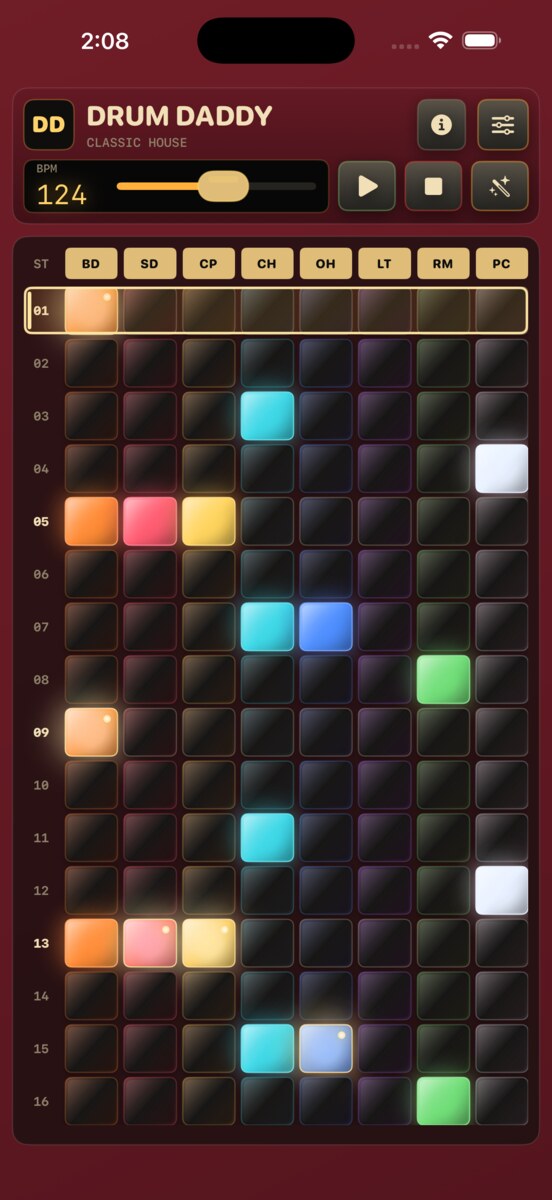
Build grooves quickly with sixteen glowing steps. Tap to place a hit; hold to add an accent.
 DD-01 Rhythm Computer
The pocket rhythm computer that never was.
A focused iPhone drum machine for building, saving, and sharing beats fast. Tap lights. Catch a tempo. Avoid menus.
Built like an instrument
Drum Daddy keeps the sequencer front and center: 8 drum tracks, 16 steps, accents, track mute and solo, swappable kits, tap tempo, four named memories, and WAV export. A short first-run guide points out the hidden gestures, then gets out of the way. The machine has manners.
What it does, mercifully
Build grooves quickly with sixteen glowing steps. Tap to place a hit; hold to add an accent.
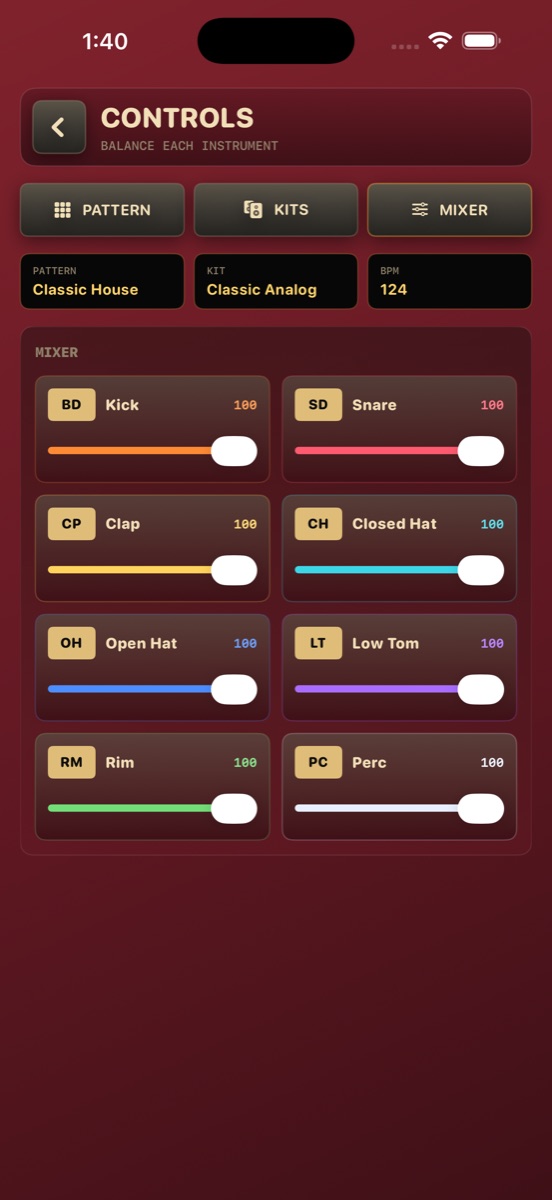
Kick, snare, clap, closed and open hats, low tom, rim, and percussion. Tap a track header to mute it; hold it to solo.
Tap along to find the BPM, or tap the number to type it directly. Add swing when straight lines get suspicious.
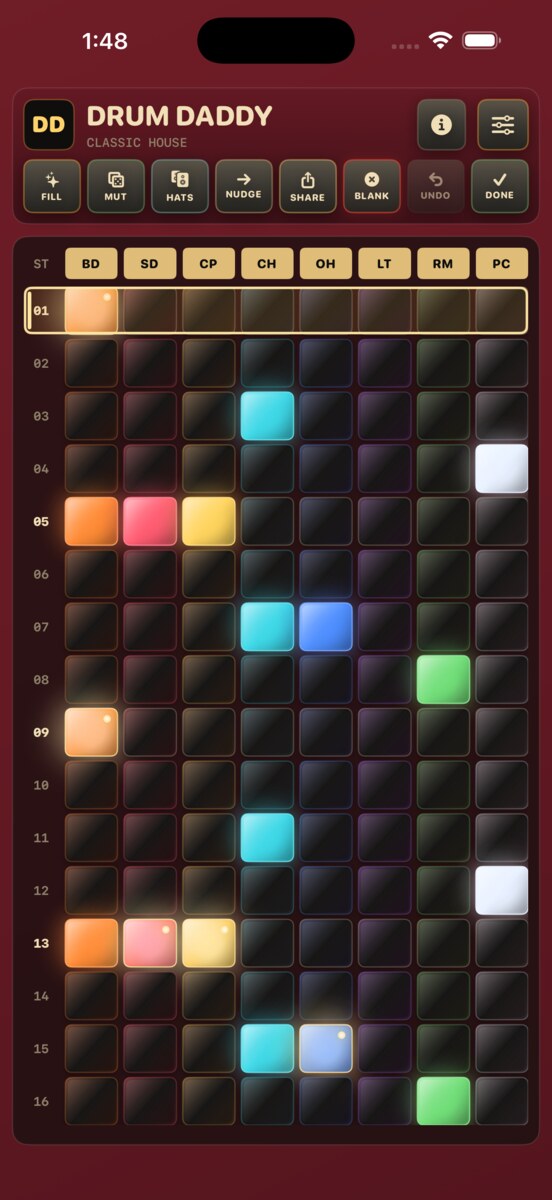
Fill, Mutate, Hats, Nudge, Blank, and Undo reshape the groove while the pattern stays in view.
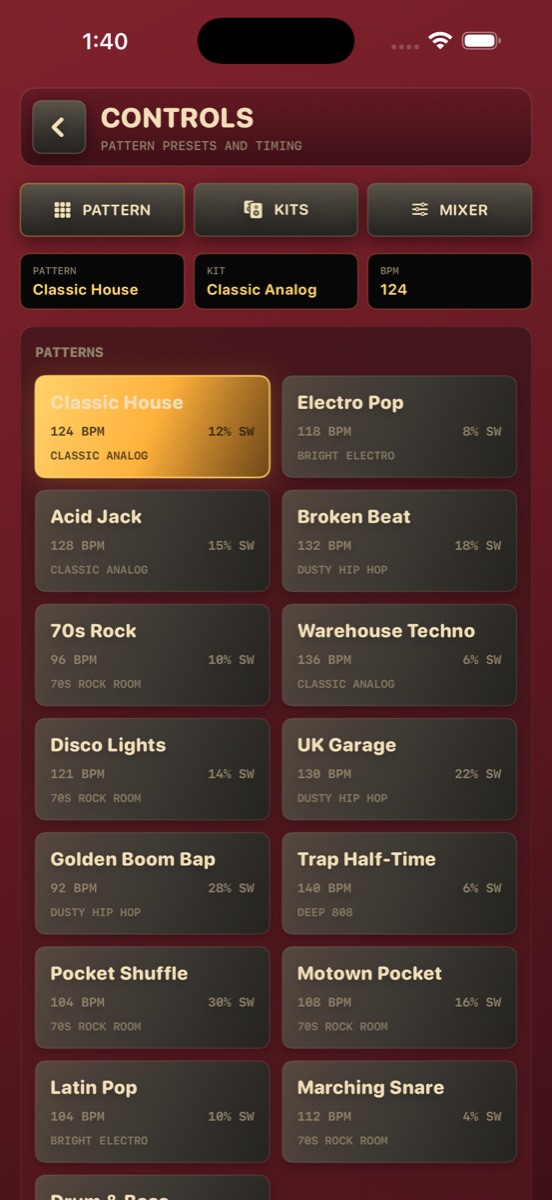
Load authored rhythms with intended kits, tempo, and swing, then argue with them creatively.
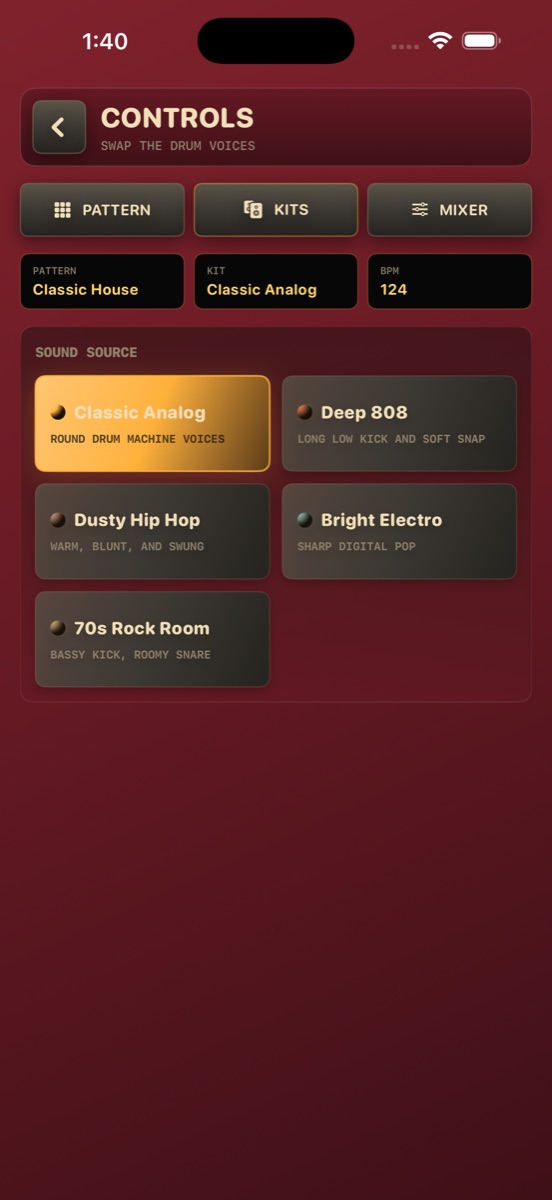
Switch between multiple synthesized voices and a sampled 70s Rock Room kit. No crate required.
Save four complete pattern states under names that mean something to you. No accounts. No inspirational dashboard.
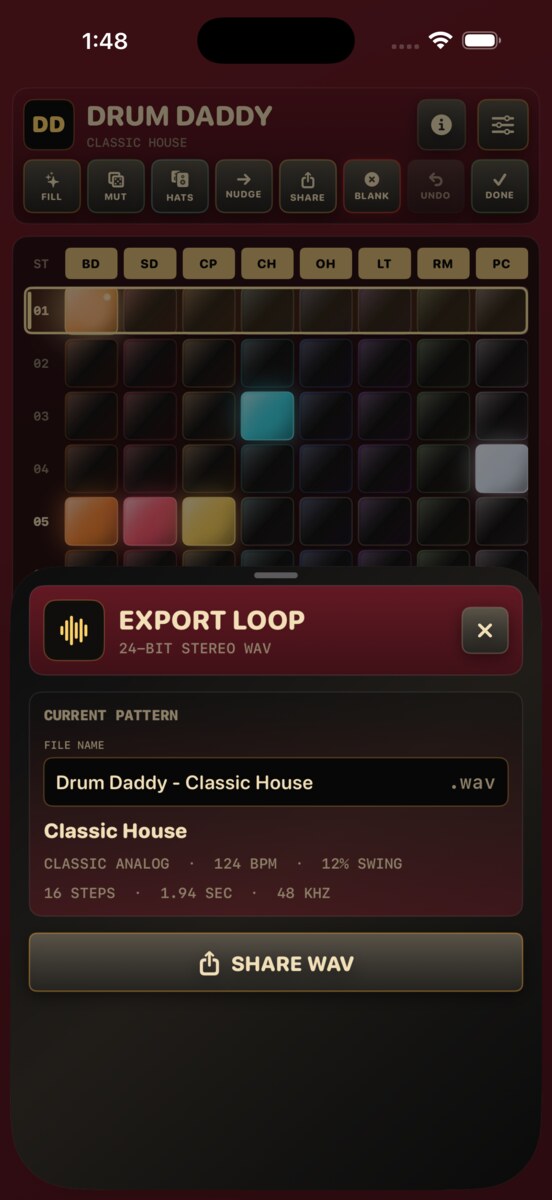
Name the loop, export a WAV, and send it wherever iOS can share it. The little box knows when to let go.
Receipts, not renders
No mockups here: just the real sequencer, Quick Guide, editing tools, named memories, WAV export, kits, and mixer in the app.
No accounts. No app tracking.
Drum Daddy stores patterns, named memories, kits, tempo, swing, accents, track mutes, and mixer levels locally. The app does not collect, track, sell, or send that data to us. WAV files leave the app only when you choose to share them.